
Retail + Wholesale
Shop products. Plan larger orders.
Browse the live catalog for retail purchases, or share your product list, estimated quantity, destination, and timing for wholesale support.
Retail checkout stays available through WooCommerce. Wholesale requests begin with a conversation.
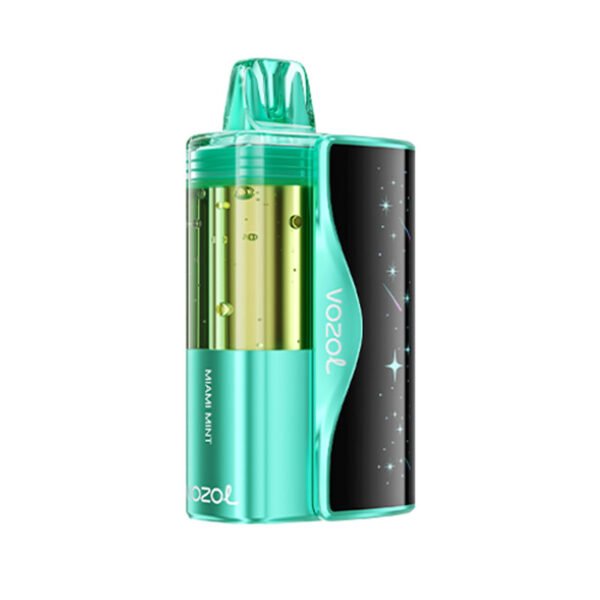
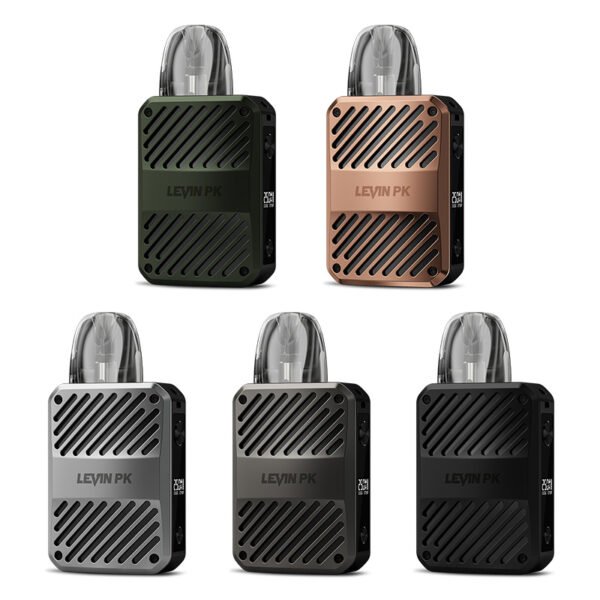
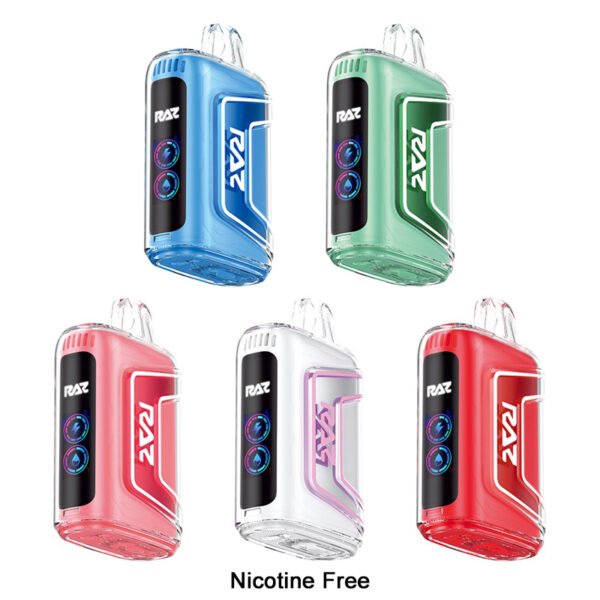
Two clear paths
Choose how you want to buy.
Retail shopping
Compare current products, prices, visible specifications, and availability, then use the standard cart and checkout.
Wholesale planning
Share the products or categories, estimated quantity, destination, timing, and business contact before a larger order is discussed.
Start with the category
Find the right product group first.
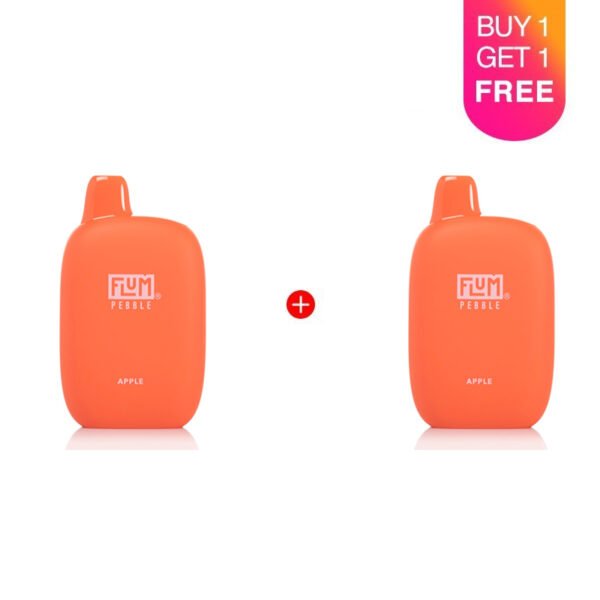
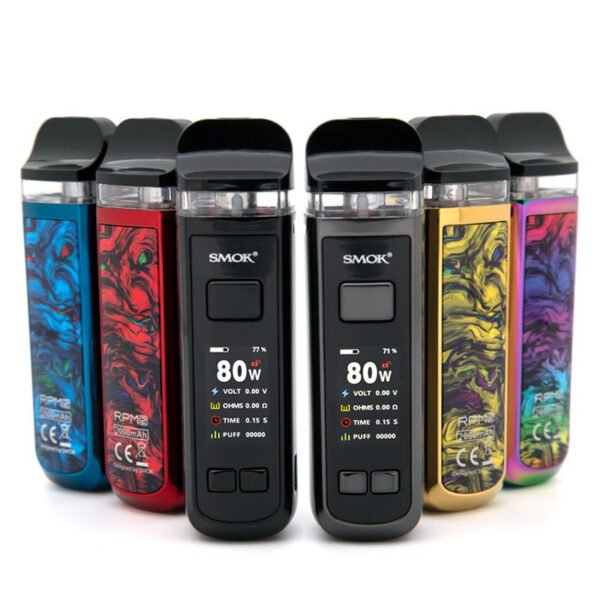
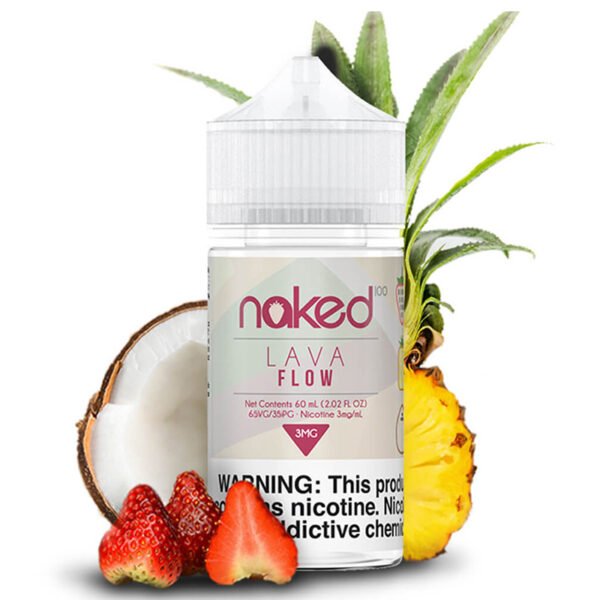
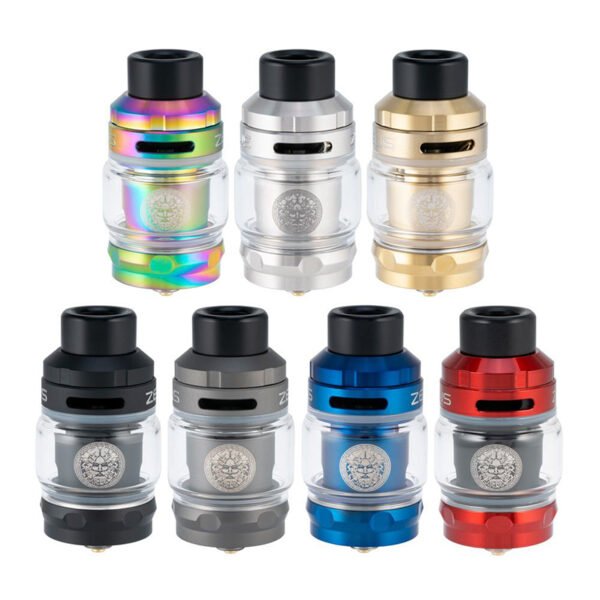
Current catalog
Begin with real products.
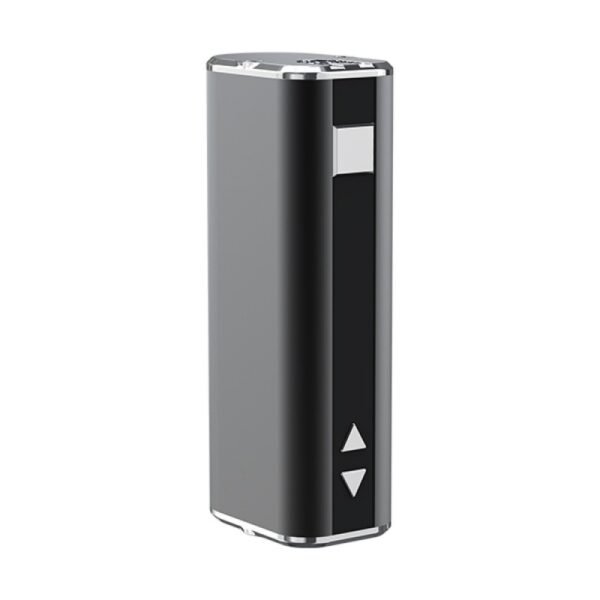
Plan with the right context
The next step depends on the order.
| Buying path | Start with | Review or provide | Next step |
|---|---|---|---|
| Retail purchase | Current product page | Visible price, specifications, availability, and product options | Cart and checkout |
| Wholesale inquiry | Product list or category | Estimated quantity, destination, timing, and business contact | Contact support |
Wholesale workflow
A clear request makes the conversation useful.
- 01
Browse products
Use the Shop, categories, products, and Brand Hub to build a relevant list.
- 02
Share your request
Include product interest, estimated quantity, destination, timing, and a business contact.
- 03
Review current fit
Wholesale support can discuss the available information and the next details to confirm.
- 04
Confirm next steps
Use the agreed information before moving ahead with a larger order.
Manufacturing proof
See the work behind the catalog.
Owner-supplied factory and production imagery gives retail and business customers a clearer view of the company behind the products. Review the dedicated Trust page for facility and document imagery.
View manufacturing proof
Buying support
Questions before you choose a path.
Use retail checkout for individual purchases. Use wholesale support when a larger order needs product, quantity, destination, or timing context.
Visit the full FAQDoes Vapeivo support both retail and wholesale?
Yes. Retail customers can use the live catalog, product pages, cart, and checkout. Business buyers can use the wholesale inquiry path to share product interest, estimated quantity, destination, and timing before a larger order is discussed.
What should I include in a wholesale inquiry?
Include the products or categories of interest, estimated quantity, delivery destination, preferred timing, and a business contact. This gives support enough context to review the request.
Where can I compare current products?
Use the Shop, category pages, product pages, Brand Hub, and Buying Guide Center. Those pages show the current catalog, visible product facts, prices, and available buying paths.
Can product availability or price change?
Yes. Availability, price, product mix, packaging, and destination requirements can change. Review the current product page and confirm wholesale details with support before relying on a specific item or quantity.
How do I start a wholesale request?
Open the Vapeivo Contact page with Wholesale planning selected, then provide the product list or category, estimated quantity, destination, timing, and business contact information.
Wholesale support
Tell us what you want to stock.
Bring the product list, estimated quantity, destination, timing, and business contact. We will start from the information you provide.